What Is Auracast?
How Beltone Connectivity Is Improving Hearing in Shared Listening

By: admin | November 18, 2025
Virtual meetings have become a regular part of work and social life for many people, but they present unique hearing challenges that can make following conversations more difficult than face-to-face interactions. When you’re on a video call, you’re relying entirely on audio quality that can vary depending on internet connections, microphone quality and background noise on other participants’ ends. You don’t have the same visual cues or ability to position yourself closer to speakers like you would in person, and poor audio can make voices sound muffled, choppy or unclear. For people with hearing loss, these factors can quickly turn a routine meeting into an exhausting experience filled with missed information and constant mental effort to keep up.
Using your hearing aids effectively during virtual meetings helps reduce the fatigue that comes from working hard to understand what’s being said and ensures you don’t miss important details or opportunities to contribute. Whether you’re attending work meetings, connecting with family over video chat or participating in online classes or community groups, clear hearing makes these interactions less stressful and more productive. When your hearing aids are working well with your devices and delivering clear sound, you can focus on the content of the conversation rather than struggling to decode words or asking people to repeat themselves.
Virtual meetings often present unique difficulties for people with hearing loss. Voices may sound muffled or unclear through computer speakers. Background noise from other participants, poor microphone quality and overlapping conversations can make it difficult to follow what is being said.
These obstacles can lead to missed information or feeling excluded during group discussions. Struggling to understand speech in virtual settings may also cause frustration and make it hard to stay engaged throughout the meeting.
Hearing someone in person is different from hearing them through a phone, tablet or computer. In-person conversations carry natural sound cues, like tone, volume and subtle speech patterns, as well as visual cues like lip movements and facial expressions. These cues help your brain interpret speech more accurately and quickly.
Online conversations, whether through video calls or voice-only platforms, often compress audio and reduce sound quality. Background noise, microphone placement and internet connection can also affect clarity, making it harder to pick up on softer consonants, overlapping speech or rapid changes in tone. These differences can make listening more tiring and increase the chances of mishearing words, even for people with normal hearing.
People with hearing loss face several unique obstacles when using digital communication tools. Fast-paced discussions, multiple speakers talking over one another and compressed or unclear audio can make it difficult to follow conversations. Background noise from home environments or poor-quality microphones can further reduce clarity and make it harder to understand what is being said.
Audio delays or inconsistent volume levels can disrupt timing and make it challenging to respond naturally in group discussions. These combined factors often lead to missed details, increased listening fatigue and a sense of frustration or exclusion during online meetings or calls.
Hearing aids make speech easier to understand by making voices clearer and reducing background noise. These devices use technology that helps you focus on the sounds you want to hear during virtual meetings.
Some ways hearing aids help include making speech louder and clearer so you can pick up words more easily, filtering out background noise to help you concentrate on the main speaker, reducing listening fatigue and offering features like direct streaming from computers or phones for better sound quality.
Bluetooth connectivity in hearing aids has improved how you listen to audio from phones, tablets and computers. With Bluetooth, sound streams directly into your hearing aids, making voices and music clearer and easier to understand.
This direct connection helps reduce background noise and feedback that can happen with regular speakers or headphones. You also do not need to turn up the device volume, which can be more comfortable for everyone nearby.
To get the best results from Bluetooth streaming, make sure your hearing aids are paired correctly with your devices and updated with the latest software. Adjusting settings for each device can help you find the right balance between speech clarity and comfort during calls or while listening to music.
Noise reduction technology in hearing aids can make a noticeable difference during phone and video calls. This feature reduces unwanted background sounds so voices come through more clearly.
Noises like typing, traffic or people talking in the background can be distracting during a call. Noise reduction works by picking up these extra sounds and lowering their volume before they reach your ears. This makes it easier to focus on the person speaking.
Many modern hearing aids let you adjust how much noise reduction you want during calls. Some devices even switch modes automatically when they detect a phone or video call starting. Using these features helps you have clearer conversations and feel more confident when talking with others online or over the phone.
Adjusting the volume and settings on your hearing aids can improve sound quality during virtual meetings. Different video meeting platforms, like Zoom, Microsoft Teams or Google Meet, may each sound a little different.
To get clear speech and reduce background noise, try these steps for each platform:
Companion apps for hearing aids can make it much easier to manage your hearing settings during virtual meetings. These smartphone apps allow you to adjust volume, switch programs and control noise reduction features in real time, often without anyone else noticing. A recent survey found that nearly 70 percent of hearing aid users felt more confident in group conversations when they could quickly change their settings through a companion app.
With just a few taps on your phone, you can respond to changes in background noise or different speakers during a meeting. This helps you stay focused and comfortable, even if the sound environment shifts throughout the call.
Feedback or echo can sometimes occur when using hearing aids during online meetings, especially if your microphone and speakers are too close together. One way to reduce this is by wearing headphones instead of using your computer’s built-in speakers. Lowering the speaker volume and making sure your hearing aids fit well can also help reduce these unwanted sounds.
If you still notice feedback or echo, try moving away from other electronic devices that might interfere with your hearing aids. Using the mute button when you are not speaking is another simple way to keep sound clear for everyone in the meeting.
Creating the right environment in your home or office can improve how well you hear during virtual meetings. The right setup helps your hearing aids work better and makes speech clearer.
Choose a quiet room with soft surfaces like carpets, curtains or cushions to help absorb sound and cut down on echoes. Position yourself away from noisy appliances or open windows where outside sounds might come in. If possible, use a headset with a built-in microphone to keep voices clear and prevent feedback.
Good lighting is also important because it lets you see people’s faces for lip reading during video calls. Keep your device at eye level so you can watch speakers easily. These steps create a more comfortable space for hearing and communication during online meetings.
Clear communication is especially important during group calls and webinars if you have hearing loss. Sharing your needs upfront with hosts or participants can make the conversation more manageable and reduce frustration. Explaining that you may need pauses between speakers, repeated information or slower speech allows others to adjust their approach and helps the discussion flow more smoothly.
You can also suggest practical accommodations, like asking speakers to talk one at a time, providing written summaries or using the chat feature to highlight key points. Indicating which parts of the call are most important to you can guide presenters to emphasize essential details. Communicating your needs clearly not only improves your ability to follow along but also helps everyone stay on the same page and ensures you can fully participate.
To make virtual meetings smoother when using hearing aids, prepare your technology and environment before the call begins. Check that your hearing aids are fully charged or have fresh batteries, and pair them with your computer or smartphone if they support Bluetooth streaming. Choose a quiet room with minimal background noise to help your hearing aids pick up speech more clearly.
Using headphones over your hearing aids can help reduce feedback or echo during meetings. Adjust the volume and settings on both your device and hearing aids to find the most comfortable listening level.
Turning on live captions in video meeting platforms can also help you catch words you might miss. Many people also find it useful to keep a notepad nearby for jotting down important points during the conversation.
Virtual meetings can be challenging for anyone, but they can feel especially demanding if you have hearing loss. The varying audio quality, overlapping voices and background noise make it easy to miss details and require extra mental effort to follow along. Paying attention to how your hearing aids interact with these devices and finding strategies to make sound clearer can help you stay engaged and participate fully in conversations, whether for work, school or connecting with friends and family.
Taking steps to optimize your hearing in virtual settings ensures you feel confident and included during every call. If you want to explore ways to make your hearing aids work better with video meetings or other digital communication, reach out to Beltone Hearing Care Center at https://beltonesound.com/contact/ today.
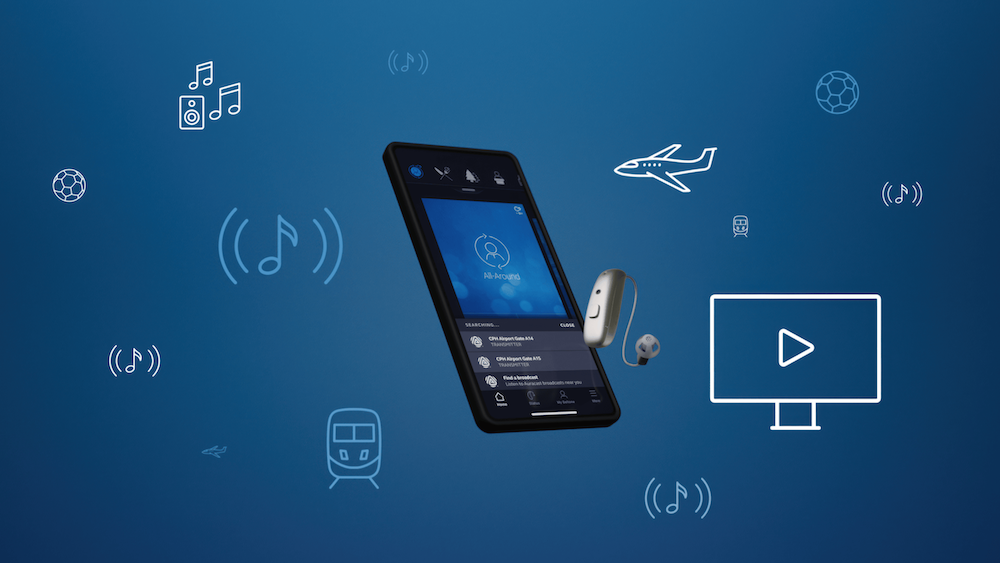
How Beltone Connectivity Is Improving Hearing in Shared Listening
By: admin | February 27, 2026

Shared laughter, quiet conversations, and meaningful moments with loved
By: admin | February 4, 2026
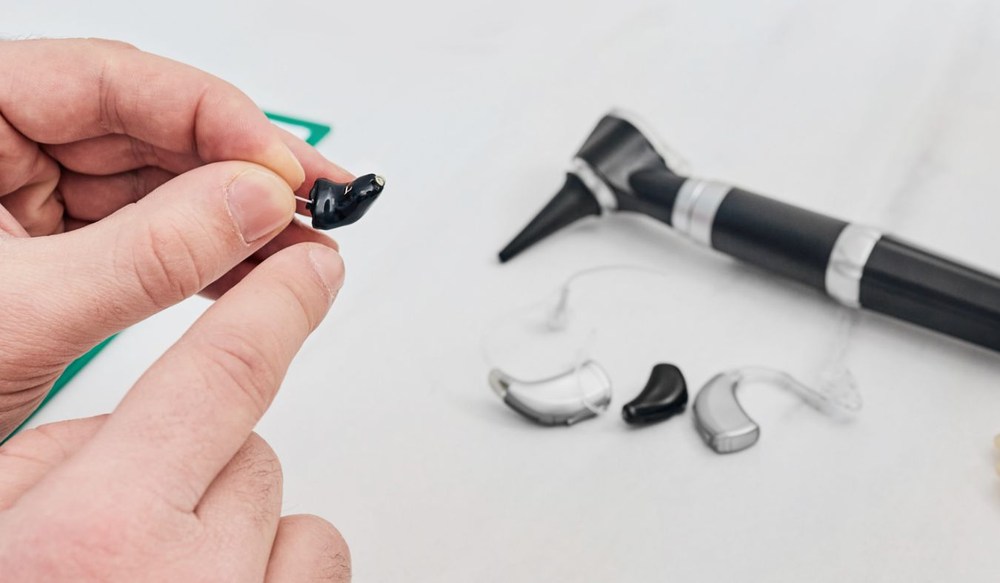
Cold weather brings its own set of challenges when you wear hearing aids,
By: admin | January 19, 2026